Varsity Spirit in a Modern Frame: The 2026 Canva Template
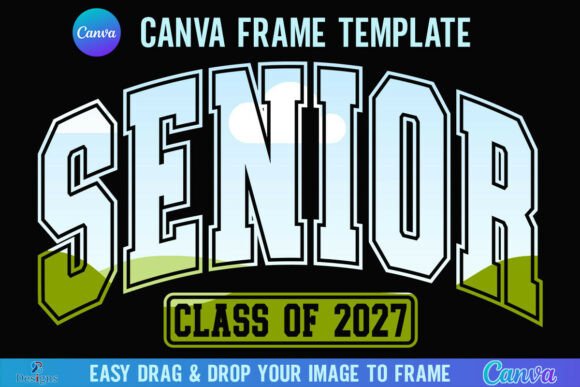
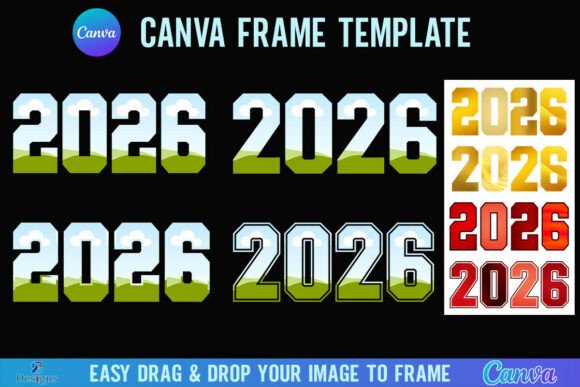
If you’ve ever struggled to get that perfect, consistent graphic frame for your social media posts or product mockups, the 2026 Canva Frame Template Varsity Design offers a surprisingly robust solution. It brings that classic, structured collegiate vibe into the flexible world of Canva, allowing you to create polished visuals without wrestling with complex software.
When you purchase this digital asset, the process is straightforward. You will receive a single ZIP file containing one PDF. Inside that PDF is a direct link. Clicking this link opens the template immediately within Canva, ready for your creative input. The canvas is set to a generous 4000x4000 pixels, which provides high-resolution flexibility. Whether you are preparing assets for a large format print or a crisp digital display, the size ensures your work remains sharp.
Practical Application: Drag, Drop, and Customize
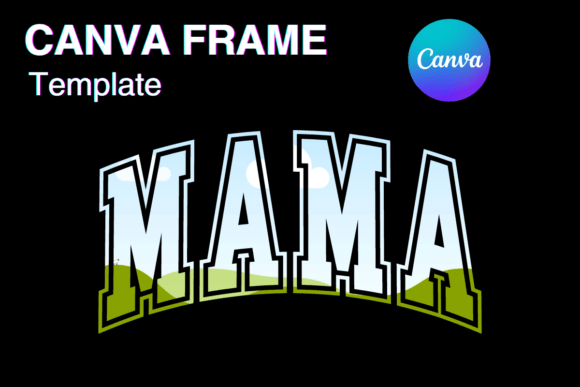
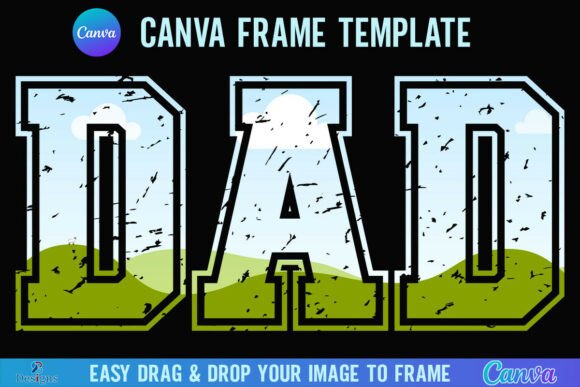
The core appeal of the 2026 Canva Frame Template Varsity Design lies in its simplicity. The "Varsity" aesthetic usually evokes bold lines, athletic precision, and a sense of tradition. This template captures that energy, turning it into a container for your own imagery.
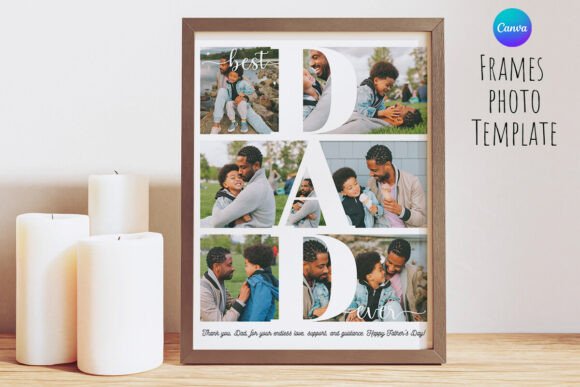
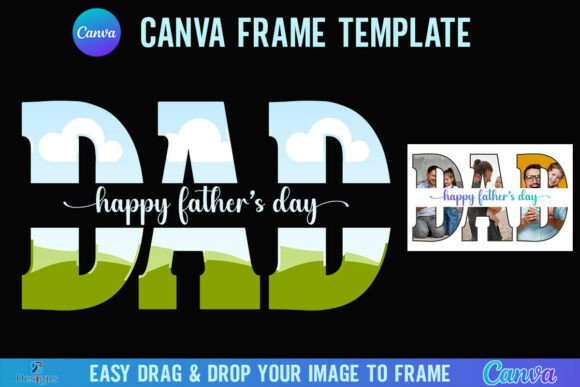
Using it requires no advanced technical skills. You simply drag and drop any PNG or JPG background image directly onto the frame. Canva’s masking technology automatically clips the image to fit the frame’s shape. This is incredibly useful for creating:
- Social Media Graphics: Create a cohesive look for Instagram or Facebook by framing your photos with that distinct varsity style.
- Product Mockups: Showcase designs or photos inside a structured border that suggests quality and reliability.
- Editorial Design: Use the frame to highlight key images in a digital newsletter or blog header.
However, keep in mind the technical requirements. You will need a free Canva account to access and edit the template. This is a low barrier to entry for most creators. But, if your goal is to extract the frame as a standalone element with a transparent background to use elsewhere, you will need a Canva Pro account. This distinction is vital for professional designers who might want to layer the frame over complex backgrounds in other software.
Defining the Varsity Aesthetic for Brand Identity
Typography and framing go hand in hand when building a brand identity. The "Varsity" look isn't just about sports; it’s about a specific personality. It conveys heritage, strength, and established credibility. By using the 2026 Canva Frame Template Varsity Design, you are borrowing those attributes for your own content.
This style works exceptionally well for:
- Small Business Owners: Particularly those in lifestyle, fitness, or education sectors. The frame adds a layer of professionalism to promotional materials.
- Content Creators and Bloggers: It helps in establishing a visual hierarchy. A framed image draws the eye and separates the subject from the rest of the layout.
- Entrepreneurs: When launching a new product, the structured nature of a varsity frame can make packaging design or marketing collateral feel more "official."
Think of this template as a design asset that enhances readability. By containing the image within specific bounds, you create a clear focal point. This prevents the visual clutter that often plagues busy web designs or social media feeds.
Important Considerations for Your Workflow
Before integrating the 2026 Canva Frame Template Varsity Design into your project, there are a few practical details to note. First, this is a digital product only. You are purchasing the digital file and the license to use it within Canva; no physical frames are shipped. This is standard for modern design assets, but it’s worth clarifying to set the right expectation.
Second, compatibility is key. This template is designed exclusively for Canva. It is not an SVG file, and it is not suitable for use with Cricut Design Space or Silhouette cutting machines. If you are a crafter looking to cut physical vinyl or paper shapes, this specific file will not work for that purpose. It is strictly for digital framing and composition within the Canva ecosystem.
Maximizing the 4000x4000 Resolution
The large pixel dimension is a significant advantage. In an era where web design and digital printing demand high fidelity, a 4000px square ensures your images remain crisp. Whether you are scaling down for a mobile screen or printing a poster, the resolution provides a safety net against pixelation.
When pairing this frame with your content, consider the visual weight. A "Varsity" frame is often bold. It pairs best with clean, sans-serif typography or simple, elegant script fonts. Avoid using overly decorative fonts that might clash with the frame's strong geometric lines. The goal is balance: let the frame provide the structure while your image and text provide the message.
Ultimately, the 2026 Canva Frame Template Varsity Design